

WeKan Hosting
Kanban board with swimlanes and automation, ready in under a minute.
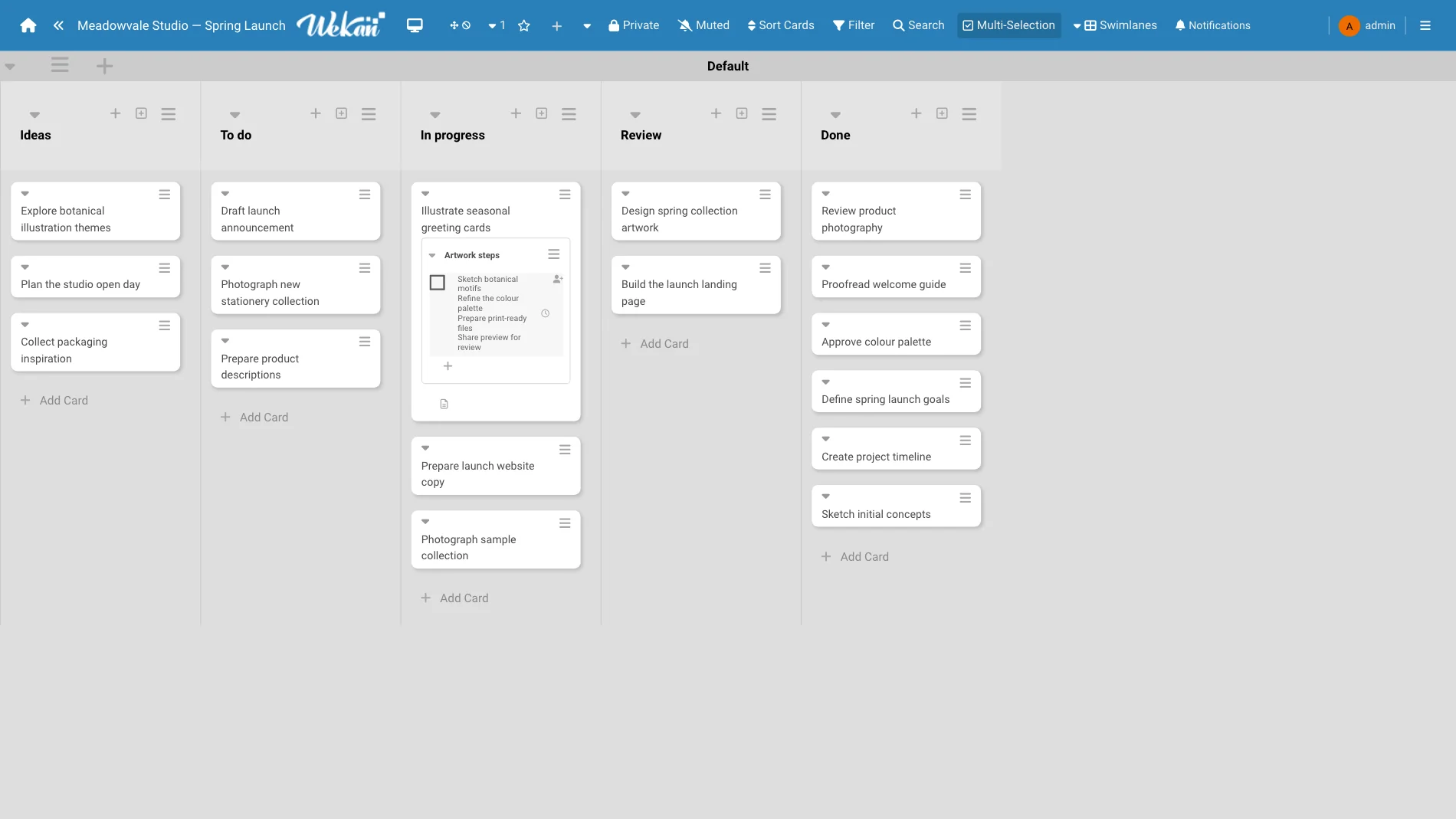
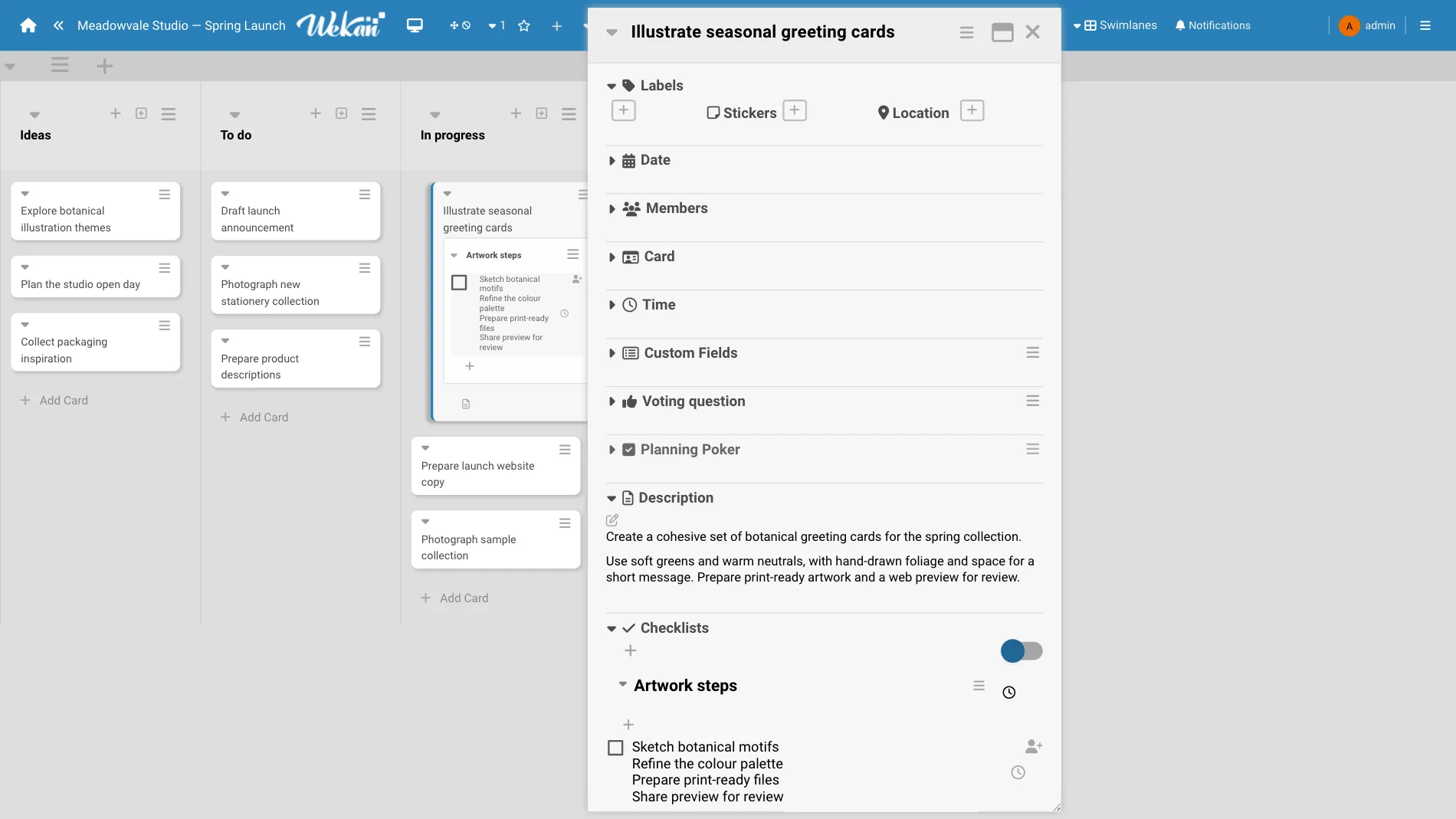
Lay out a project as lists for each stage and swimlanes for each team, client or sprint, then cap how many cards a list may hold, so a pile-up shows before it slows everyone down. Cards carry checklists with progress counts, custom fields you can show on the front, dates and attachments, and every change appears for the rest of the board as it happens.
WeKan takes the familiar card board and adds the controls larger team projects call for: event-driven and scheduled automation rules, nine board roles including assigned-only and comment-only permissions, and Calendar, Table, Gantt and history Timeline views. Broad import and export tools bring in boards from Trello JSON, CSV, Excel and other trackers without external API keys, while outgoing webhooks connect board activity to the rest of your workflow.
It is an alternative to Trello and Asana.
WeKan in action
Follow each project from idea to done on one board, with every card's brief and checklist a click away.
What you can do with WeKan
Boards and swimlanes
Organize cards into vertical lists and horizontal swimlanes, with color labels, filters and work-in-progress limits.
Board views
Switch a board to Calendar, Table or Gantt to plan around dates, or use Timeline to see how the board looked at an earlier moment.
Board roles
Give each member a role, from board admin to worker, comment-only or read-only, with variants that limit someone to the cards assigned to them.
Workflow automation
Let board admins set rules that move cards, add labels or members, set dates or comment when a card changes, or on a schedule such as a due date approaching.
What users say about WeKan
Summarized from public community discussions about WeKan, not about PikaPods.
Consider interface fit
Users comparing task managers favor WeKan for multi-stage project management, while those looking for a simpler board or daily to-do list sometimes find its interface bulky or complicated (daily-task discussion, alternative-board experience).
Household and personal boards
Some people run WeKan for home chores and personal to-do lists. A long-time user collects everything on a main board sorted by priority, and a rule moves cards placed in its Do Today list onto a separate board kept free of distractions (personal planning setup, household board).
Benefits of hosting WeKan with PikaPods
Frequently asked questions
Setting up WeKan
About WeKan and PikaPods
Similar apps on PikaPods


Ready to deploy WeKan?
Start free with $5 welcome credit. Your pod is ready in under a minute.
Run WeKan